Introduction to Secure Home Network Setup
In today’s digital age, securing your home network is more crucial than ever. With the increasing number of smart devices, the risk of cyber threats has amplified, making a secure home network setup essential. This guide will walk you through the process of creating a robust and secure home network, ensuring your personal data remains protected.
By following these steps, you will not only safeguard your devices but also enhance your network’s performance. Let’s dive into the essential practices for setting up a secure home network.
Choosing the Right Router for Security
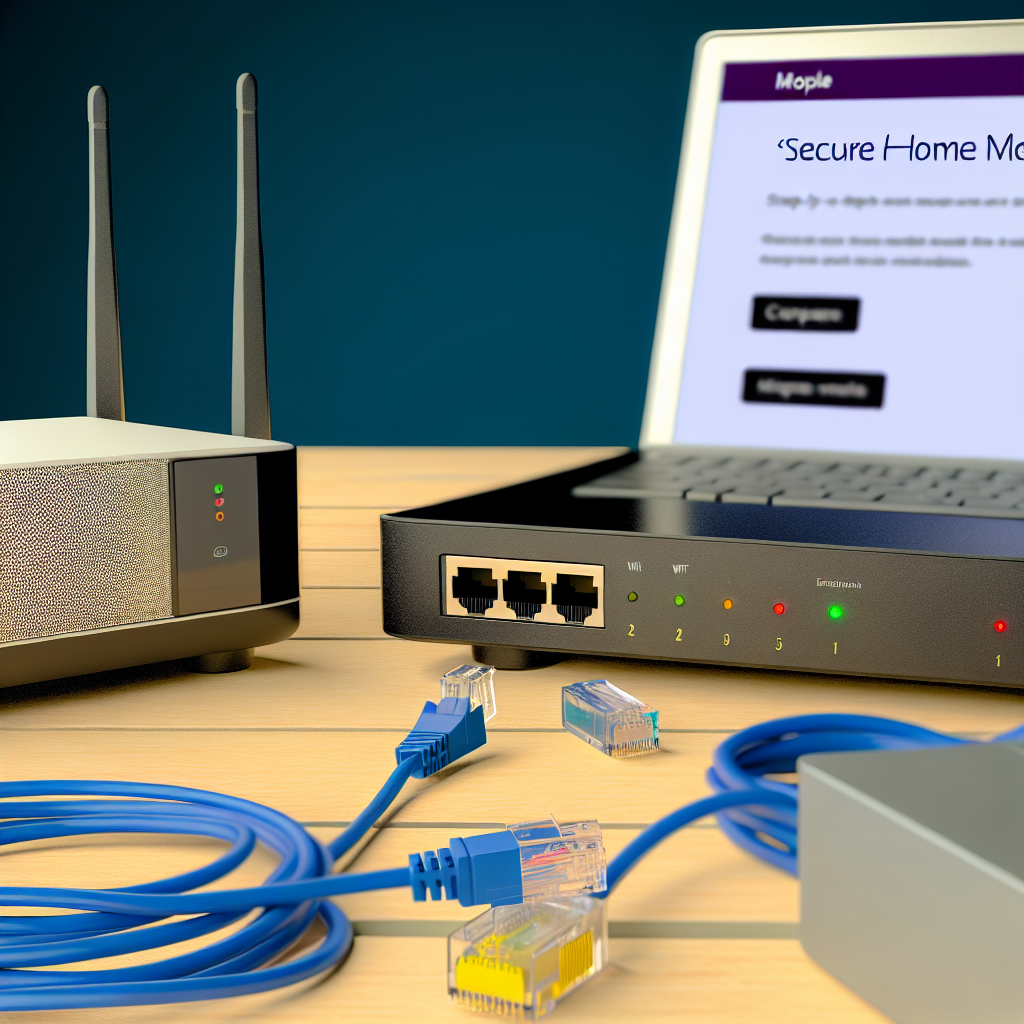
The foundation of any secure home network setup is a reliable and secure router. When selecting a router, prioritize those with advanced security features such as WPA3 encryption, built-in firewalls, and automatic firmware updates. These features provide an initial line of defense against cyber attacks.
Consider routers that offer guest networking options. This allows you to separate your main network from other devices that may not need access to your personal data. Additionally, ensure that your router supports the latest Wi-Fi standards for improved speed and security.
Understanding Router Encryption Standards
Encryption is a critical component of network security. WPA3 is the latest encryption standard, offering stronger protection than its predecessors, WPA and WPA2. It provides enhanced security for both personal and enterprise networks by using individualized data encryption.
When configuring your router, ensure that WPA3 is enabled. If your router does not support WPA3, at the very least, use WPA2. Avoid using WEP, as it is outdated and easily compromised. For more detailed guidance on router encryption, visit this comprehensive guide.
Securing Your Network with Strong Passwords
One of the simplest yet most effective ways to secure your home network is by setting strong, complex passwords. This applies not only to your Wi-Fi network but also to your router’s admin panel. A strong password typically includes a mix of upper and lower case letters, numbers, and special characters.
Avoid using easily guessed passwords such as “password123” or “admin.” Instead, create a unique passphrase that is memorable yet difficult for others to guess. Regularly update your passwords and consider using a password manager to keep track of them securely.
Implementing Two-Factor Authentication
Two-factor authentication (2FA) adds an extra layer of security to your network. By requiring a second form of verification, such as a code sent to your mobile device, 2FA makes it significantly harder for unauthorized users to gain access.
Many modern routers support 2FA for the admin panel. Enable this feature where possible, and apply similar security measures to any online accounts associated with your network, such as cloud services or IoT device management platforms.
Regularly Updating Firmware and Software
Keeping your router’s firmware up to date is vital for maintaining a secure home network. Manufacturers often release updates to patch security vulnerabilities and improve performance. Enable automatic updates if your router supports this feature, or regularly check the manufacturer’s website for the latest firmware.
In addition to router firmware, ensure that all connected devices have the latest software updates installed. This includes your computers, smartphones, and IoT devices, which can all be potential entry points for cyber attacks if left unpatched.
Scheduling Regular Security Audits
Conducting regular security audits of your home network can help identify potential vulnerabilities. Use network scanning tools to check for unauthorized devices and ensure that all security settings are properly configured.
Consider setting a monthly reminder to review your network’s security status. This proactive approach can help you catch and address issues before they become serious threats.
Setting Up a Guest Network
Creating a guest network is an effective strategy for enhancing your home network’s security. By isolating guest devices from your main network, you reduce the risk of unauthorized access to your personal data.
When setting up a guest network, apply the same security measures as your main network, such as strong encryption and a unique password. Limit the guest network’s access to only necessary resources and regularly monitor its activity for any suspicious behavior.
Understanding Network Segmentation
Network segmentation involves dividing your network into smaller, isolated segments. This technique can further enhance security by limiting the spread of malware or unauthorized access within your network.
For instance, you can segment your network into separate parts for work, personal use, and IoT devices. This separation ensures that a compromise in one segment does not affect the others. For more detailed strategies on network segmentation, check out our related guide.
Implementing Advanced Network Security Techniques
Beyond basic security measures, there are advanced techniques you can employ to secure your home network. One such method is MAC address filtering, which allows you to specify which devices can connect to your network based on their unique hardware addresses.
While effective, MAC address filtering requires regular updates to accommodate new devices. Additionally, consider disabling WPS (Wi-Fi Protected Setup), as it can be exploited by attackers to gain network access.
Configuring Virtual Private Networks (VPNs)
A Virtual Private Network (VPN) enhances your network’s security by encrypting internet traffic and masking your IP address. This is particularly useful when accessing public Wi-Fi or protecting sensitive online activities.
Install a VPN either directly on your router or on individual devices. While router-based VPNs provide comprehensive coverage, device-specific VPNs offer more flexibility. For more on VPN setup, explore our detailed VPN installation guide.